
Features designed around a real editing workflow.
Desktop controls for discovering eligible sources, creating clips, managing their status, and sending content through platform-authorized integrations.
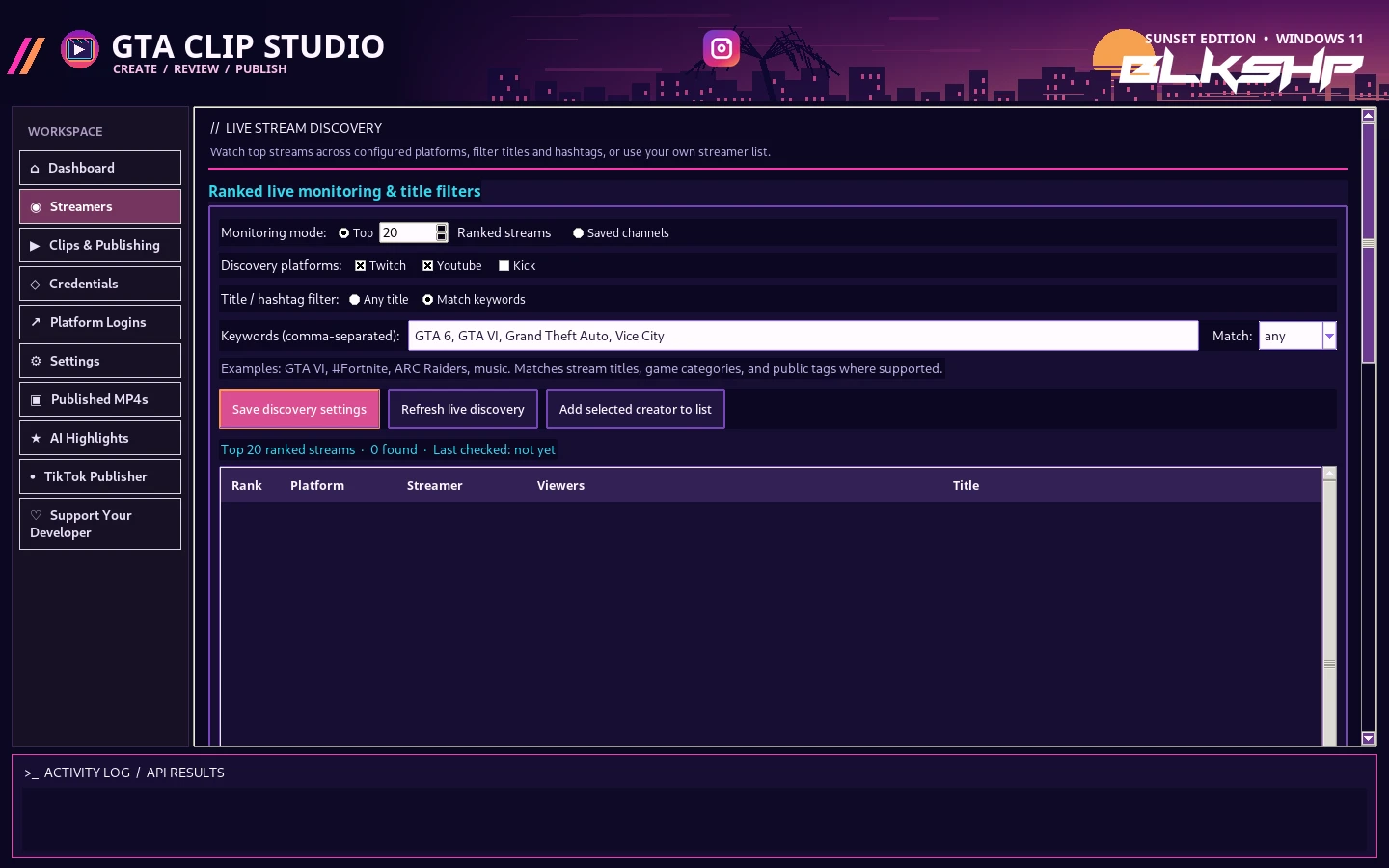
Find matching live streams.
Search supported live-stream services for a chosen game, category, title, or custom tag. Stream listings can be ranked by reported concurrent viewers.
- Top stream discovery and manual source selection
- GTA 6 / GTA VI or custom keyword filters
- Configured concurrent recording limit
- Permission checks before capturing content
Discovery is not universal across every streaming service; availability depends on supported platform APIs. A high viewer count does not grant reuse rights.
Create vertical captioned media.
Process authorized recorded footage into short H.264 MP4 files formatted for vertical feeds. Speech recognition can generate captions that are burned into the video.
- Vertical 1080 × 1920 output
- Automatic candidate highlights based on detected audio intensity
- Local speech-to-text captions where configured
- Source clips and generated files stored on the Windows machine
Automated highlights can miss context or miscaption speech. The operator remains responsible for accuracy and content rights.
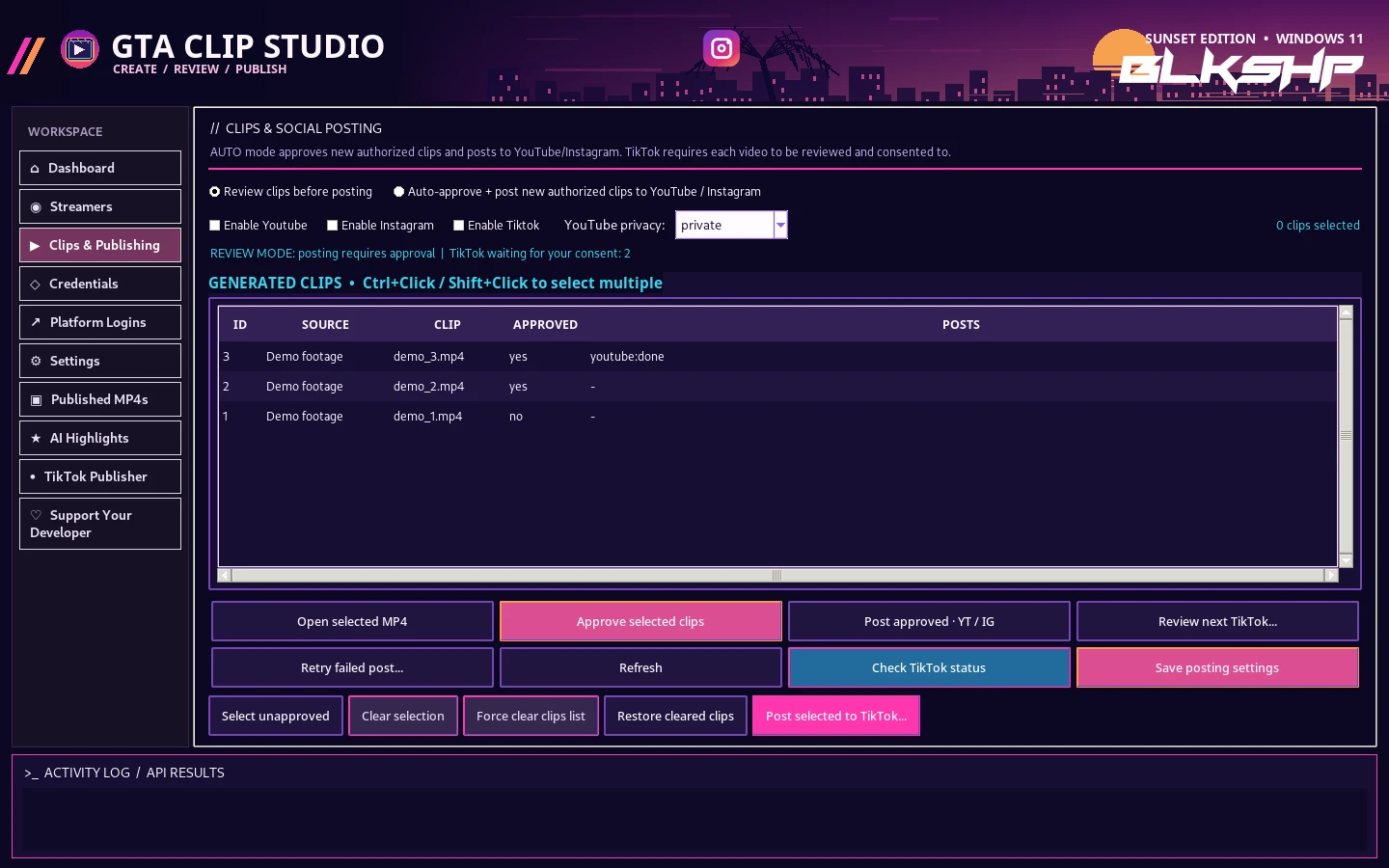
Publish with the account owner's authorization.
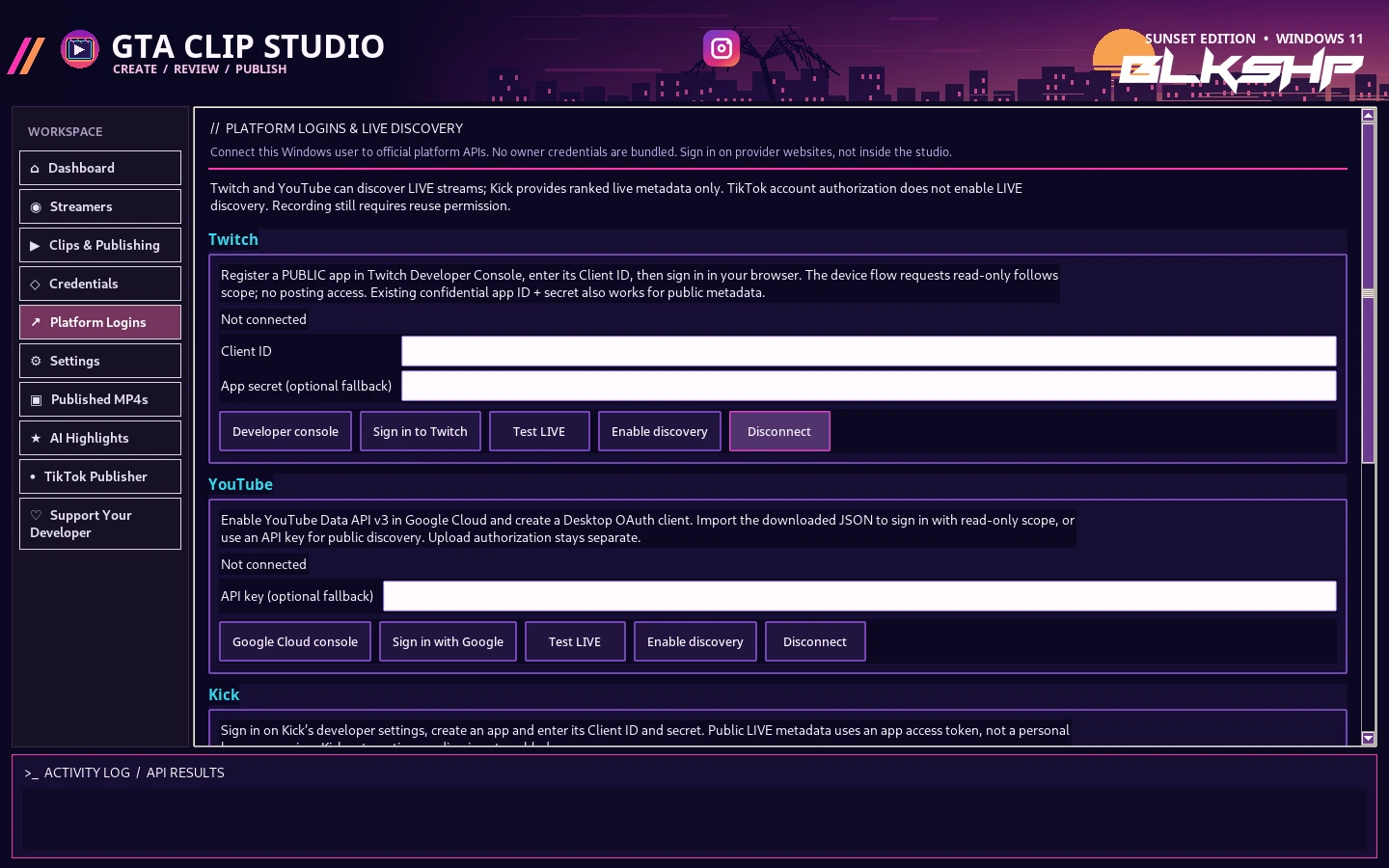
Use official integrations to connect eligible channels and send video to supported social platforms. The desktop app records upload results and supports configured daily limits.
- YouTube upload via account authorization
- Instagram professional account publishing when permissions are granted
- TikTok posting only with required creator consent and approved API access
- Duplicate-post controls within the local application
Not all account permissions or live platform features are available by default. Public posting may require app review.
Monitor processing and publishing results.
View recording activity, generated clips, job history and upload outcomes. An optional privately hosted Galaxy web monitor reads selected local app records via a server operated by the user.
- Windows desktop workflow and activity logs
- Optional private remote monitoring via a user-hosted connection
- Per-platform post history available locally
- Manual control over connected accounts and stored data
Privacy-aware by design
The marketing website does not request your social media passwords. Connections take place in the Windows app or through platform authorization.
Learn how data is handled →